18 min read | Updated on: 1 Oct 2026
In a hurry?
- Most hospitals start automating at the front door. Check-in, queuing and patient alerts touch every visitor, so results show up fastest there.
- A good hospital automation system connects to your hospital information system, reports wait times by department and covers the whole visit in one platform.
- Real results with Wavetec: waits at Almoosa Specialist Hospital dropped to about 5 minutes (from 30 to 45), and Chapidze Heart Center now serves more than 200 patients a day, up from 70.
For many patients, a hospital visit can be overwhelming. Long wait times, repeating information to different staff members, and confusing paperwork add stress to an already difficult day.
Behind the scenes, nurses and doctors balance patient care with admin work. That work slows the visit down and is one reason hospital queues are so long.
Automation takes over the routine steps of a visit, from check-in to discharge, and keeps patients informed along the way. Staff spend more time with patients and less on paperwork.
The savings are large. The 2025 CAQH Index found that US healthcare avoided $258 billion in administrative costs in one year as more routine transactions went electronic. It puts the savings still available from further automation at $21 billion.
This guide covers what hospital automation is, the systems hospitals use, how to roll it out, how to choose software and the results real hospitals have seen. If long queues are your main problem, start with our guide to the hospital queue management system.
What Does Automation in Hospitals Mean?
Automation in hospitals means using technology to handle routine tasks with little or no manual effort, so staff can spend their time on patients. It covers everything from kiosks where patients check themselves in to systems that confirm appointments, call patients to the right room and produce reports for managers.
In practice, patient care automation means shorter waits, fewer repeated questions and clear updates at every step. Nurses and doctors get more time for care. Some vendors call the same idea digital process automation, especially for health systems that manage high patient volumes across many sites.
Automation in hospitals and healthcare is not one product. It is a set of tools, each doing one repetitive job, and they work best when they share data.
Types of Hospital Automation
Hospital automation technology falls into four broad types, and each one solves a different problem.
| Type | What it automates | Examples |
|---|---|---|
| Patient-facing (front of house) | Check-in, queuing, calling patients, wait updates, feedback | Self-service kiosks, queue management systems, SMS and WhatsApp alerts, digital signage, feedback surveys |
| Administrative and back office | Forms, billing, claims, scheduling, reports | Digital intake forms, online payments, insurance checks, appointment software, robotic process automation |
| Clinical | Tests, medication, monitoring | Lab analyzers, pharmacy dispensing systems, bedside device integration |
| Building and facility | The building and its assets | Building management systems, real-time location systems, access control |
Wavetec works on the patient-facing layer: the steps every patient sees, from arrival to feedback. This guide focuses on that layer, because patients see it on every visit. Wavetec’s healthcare solutions cover hospitals, clinics, pharmacies and labs.
Hospital Automation vs HIS, EHR and ERP
Hospital automation does not replace the core software a hospital already runs; it connects to it. Most hospitals keep patient and visit data in a hospital information system (HIS) or an electronic health record (EHR). Many also run an enterprise resource planning (ERP) system for finance, purchasing and HR.
These are systems of record: they store the data. Automation tools work on top of them and move the patient through the visit. A queue management system, for example, reads the day’s appointments from the HIS. It then checks patients in, calls them to the right room and writes the wait and service times back for reporting. You do not need to change your HIS or EHR to start automating.
Common Hospital Automation Systems and Tools
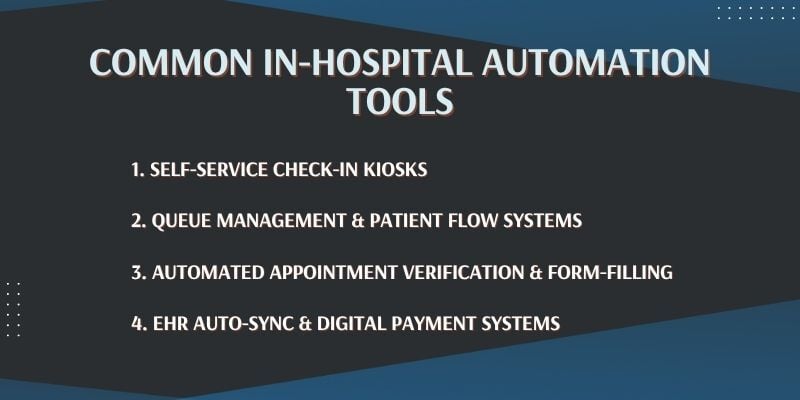
Hospitals use a range of tools to cut wait times and paperwork. These systems help with everything from check-in to billing, and together they improve patient flow through the facility.
1. Self-service check-in kiosks
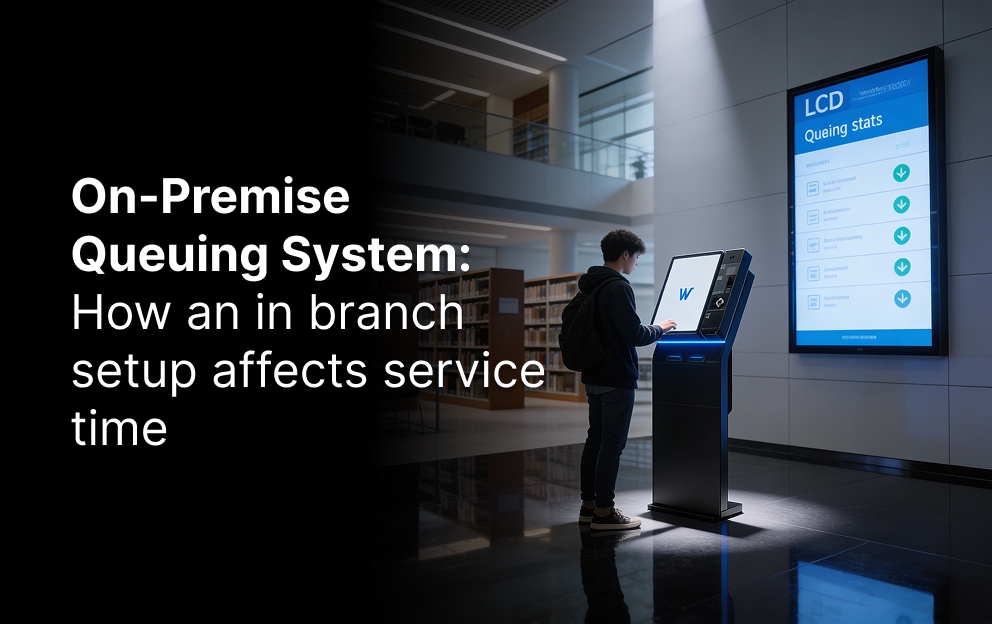
These are touchscreen self-service kiosks where patients enter their details, check in for appointments, choose a service or pay. At Almoosa Specialist Hospital in Saudi Arabia, patients pick a category at the kiosk, such as insurance, cash, medication or consultation, and get a ticket for the right counter.
The global patient self-service kiosk market reached about $1,174 million in 2024 and is forecast to grow 16.7% a year through 2034, according to Statifacts.
2. Queue management and patient flow systems
A queue management system places each patient in a digital queue and calls them in the right order, based on service type, priority and staff availability. Patients see their number on waiting room screens or get an alert on their phone, so nobody has to stand in line. Wavetec’s queue management system does this for hospitals, banks and government offices, and our guide to patient queue management in hospitals covers the healthcare setup in detail.
Better queue design cuts waits. A 2024 study in the journal Mathematics used data from 500 patients at a public hospital in Pakistan to test new queue strategies in a simulation. The best scenario cut registration waits by 15%, vitals waits by 20% and doctor consultation waits by 25%, saving an average of 22.5 minutes per visit.
AI is the next step. Our guide to AI in hospital queue management shows how forecasting and smart routing build on these systems.
3. Automated appointment confirmation and digital forms
Appointment systems confirm visits by text or email and let patients fill in forms before they arrive. Details are checked once, staff spend less time correcting records, and fewer patients miss their appointments. Our guide explains how to reduce no-show rates in outpatient clinics.
Online appointment booking software also lets booked and walk-in patients share one system. At Capital Health Screening Centre in the UAE, Wavetec’s system takes online appointments into account, recognizes walk-in patients and gives each group its own priority level.
4. EHR sync and digital payments
When a patient checks in or updates a form, the data can sync with the electronic health record, so nobody types the same details twice. Digital payments let patients settle bills at a kiosk or online, reducing wait times at the billing desk and freeing billing staff for complex cases.
5. Patient alerts, calling screens and feedback
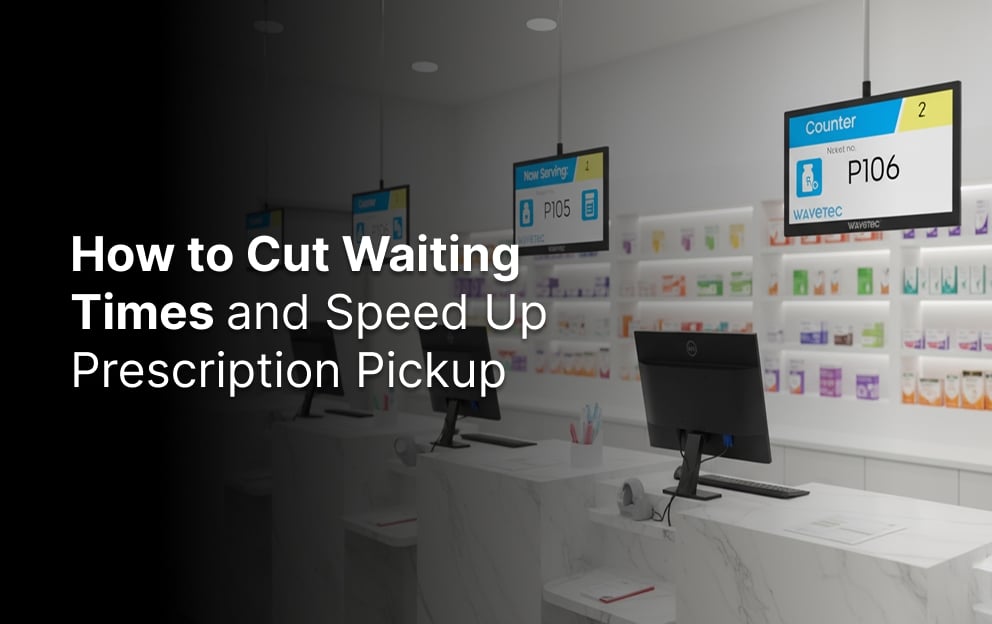
SMS and WhatsApp alerts tell patients when their turn is near. Digital signage such as Wavetec’s Donatello shows ticket numbers and directions, and audio announcements call patients to the right room. Screens also help with wayfinding in hospitals, and our guide to digital signage for hospitals shows where they work best. After the visit, Opinion Plus collects patient feedback and shows the results in real time.
How It Works During a Patient Visit
Automation works by connecting each step of a visit, so information entered once follows the patient. Here is a typical automated visit, based on how Wavetec systems run at Liberty Regional Medical Center and Almoosa Specialist Hospital:
- Arrive and check in. The patient checks in at a self-service kiosk or by scanning a QR code, chooses a service and gets a ticket number.
- Wait with clear information. The patient receives an estimated wait time by SMS and can follow the queue on waiting room screens. Clear updates also help reduce patient anxiety while people wait.
- Get called to the right room. When it is their turn, staff press one button, and an audio prompt and screen alert show the ticket number and the room to go to.
- Be seen without repeating details. Because the queue system is linked to the patient information system, the patient’s details are ready when they reach the counter or the doctor.
- Pay, give feedback and leave. Billing, follow-up booking and a short feedback survey close the visit (see our guide to the patient discharge process), and every step is time-stamped for reports.
This is how hospitals cut waits without adding staff. The system does the sorting, calling and record keeping, and staff handle the exceptions.
How Each Step Shares Data
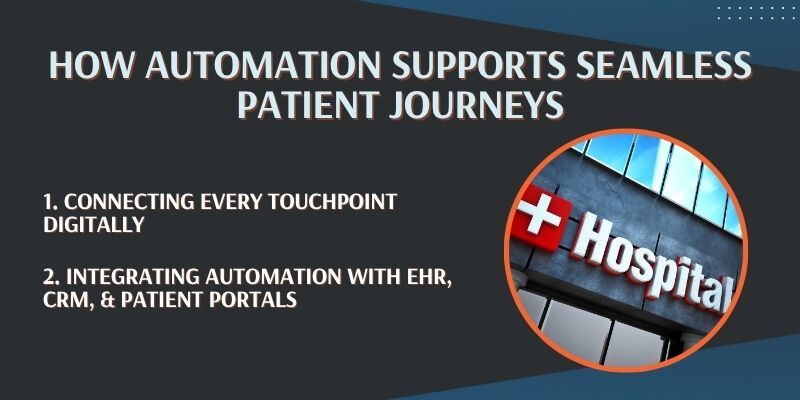
When booking, check-in, treatment and billing run on separate systems, patients repeat themselves at every desk. Automation links these steps, so information moves with the patient.
Automation lets patients complete forms online, share digital referrals and read follow-up instructions in patient portals. When scheduling, diagnostics, treatment and billing share data, patients face fewer delays and staff make fewer manual errors.
Patients like it. In a 2024 Corporate Insight survey of more than 1,100 patients, 85% of web users and 91% of mobile users said they were satisfied with their health system’s digital platform.
When electronic records, hospital portals and patient relationship tools are connected, data stays with the patient instead of being lost on paper. Doctors and nurses see a patient’s history without asking the same questions again.
At Capital Health Screening Centre, Wavetec’s queuing system is integrated with the Patient Information System. Doctors and nurses can see a patient’s previous reports just before they call that patient in.
Personalized alerts, such as reminders for upcoming tests, post-care instructions and follow-up prompts, keep patients informed.
Manual vs Automated Hospital Processes
Automated hospital processes replace paper lists, phone calls and repeated forms with one connected flow. Here is how each step changes.
| Step | Manual process | Automated process |
|---|---|---|
| Check-in | Front desk writes down details while patients wait in line | Patient checks in at a kiosk or by QR code, often within a minute |
| Queue order | Staff call names, or patients guess when it is their turn | System orders patients by service, priority and staff availability |
| Wait updates | Patients ask the desk how long it will take | SMS or WhatsApp alerts and waiting room screens |
| Calling patients | Staff walk out to the waiting area to call | Audio prompt and screen show the ticket number and room |
| Patient records | The same details are asked at every step | Entered once and shared with the patient information system |
| Reports | Paper logs and end-of-month estimates | Live dashboards of wait and service times by department |
| Feedback | Paper forms that are rarely analyzed | Digital surveys with results in real time |
How Automation Improves the Patient Experience in Hospitals
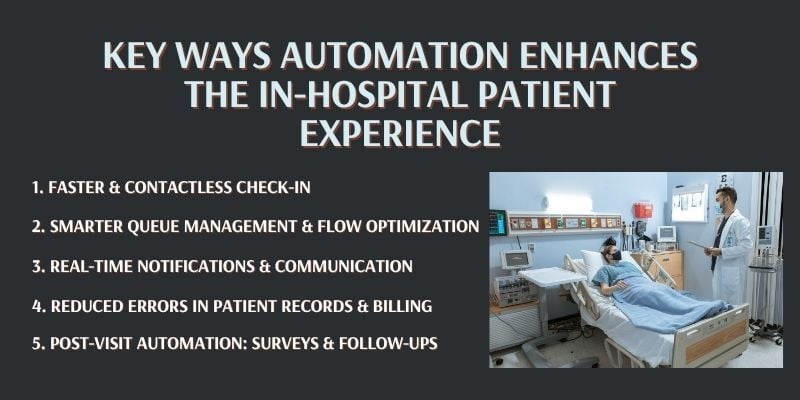
Patients in a busy hospital often don’t know how long they will wait or where to go next. Automation answers both questions at every step, from check-in to discharge. In emergency departments the stakes are higher; see how long is too long to wait in the ER.
1. Faster and Contactless Check-In
Self check-in is the first improvement patients notice. With patient check-in kiosks, there is no need to fill out forms by hand or wait in long lines.
These self-service kiosks in hospitals let patients confirm their identity, update contact or insurance details and get a token number, often within a minute. They reduce front-desk crowding, cut paperwork errors and free staff for more urgent needs. Our guide to digital patient check-in covers the benefits in more detail.
2. Smarter Queues and Patient Routing
After check-in, automated routing sends each patient to the right department based on case type, appointment details and which staff are free.
This type of hospital queue management system cuts delays and confusion. Digital signage, ticket displays and Mobile-Q alerts on the phone tell patients where to go next, for a lab test, a consultation or billing. Waiting rooms are less crowded as a result.
3. Real-Time Notifications and Communication
Patients are calmer when they know what is happening. Automated SMS, email or WhatsApp queuing messages tell patients when their turn is near, when a delay occurs or when billing is ready.
Fewer patients have to ask the desk where to go or how long they will wait.
4. Reduced Errors in Patient Records and Billing
Manual data entry causes errors in health records and bills. Auto-filled forms and real-time sync with electronic health records help prevent them.
Billing becomes faster and more accurate, and patients can review itemized bills at kiosks or through online portals.
5. Post-Visit Automation: Surveys & Follow-Ups
Automation continues after discharge. Hospitals can send a short digital survey after each visit, and feedback systems turn the answers into live reports. Our guide to the importance of patient feedback explains what to ask.
Online appointment scheduling systems can also suggest follow-up visits based on a doctor’s advice or lab results.
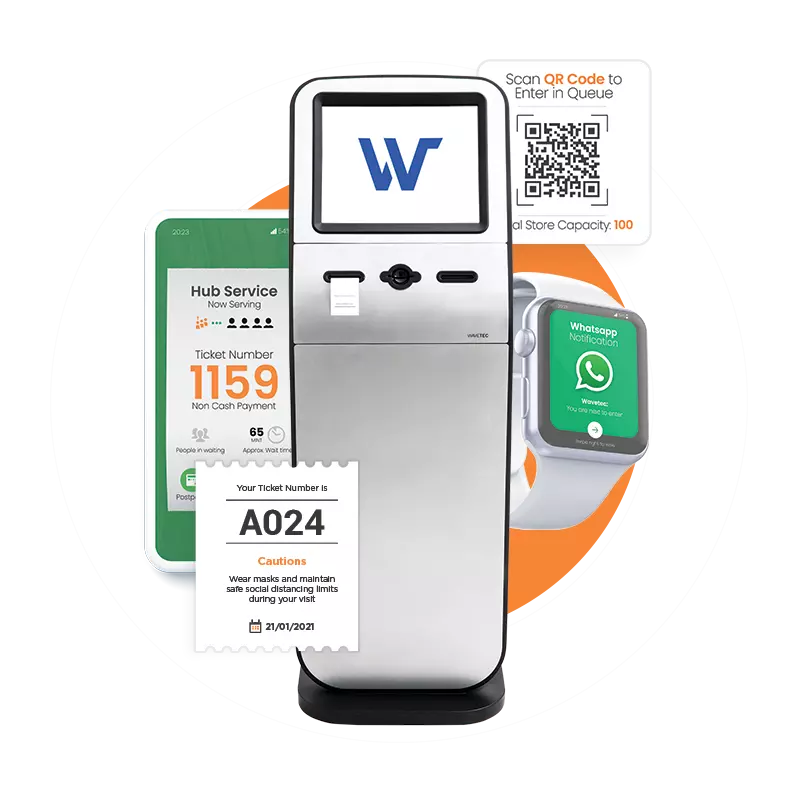
Automate Patient Flow Across Every Department
See how Wavetec links check-in, queues, calling screens and reports for hospitals and clinics.
Operational Benefits for Healthcare Providers
Hospital operations automation cuts the admin load, so hospitals and clinics can see more patients with the staff they already have.
1. Increased Staff Efficiency
Automation takes time-consuming tasks off front-desk and admin teams, such as appointment confirmation, admissions paperwork, form checks and patient routing. Staff can focus on high-priority cases and in-person support instead of paperwork and phone calls.
Less repetitive work also means less stress. Planning shifts around busy hours also gets easier; see our guide to staff scheduling for peak hours in healthcare.
2. Lower Costs and Better Use of Resources
Less manual work lowers daily costs. Hospitals that automate billing, appointments and insurance checks need fewer staff hours for admin and make fewer of the errors that cause costly delays.
The CAQH figures above show the scale: $258 billion in administrative costs avoided in one year. Hospitals also make better use of rooms, equipment and staff, which lowers running costs.
3. Better Decision-Making with Data Insights
Check-in kiosks and queue systems produce real-time data. Managers can act on current numbers instead of anecdotes to adjust schedules, cut waits and manage high patient volume.
Check-in timestamps and service times show busy periods, staff shortages, slow service points and patient throughput per department. Spectra queue analytics software turns this data into dashboards and reports. At Capital Health Screening Centre, managers have more than 30 reports to review staff performance. For a step-by-step method, see how to do a patient wait time analysis.
Real-World Examples and Success Stories
These cases show what automation changed in real hospitals.
1. Liberty Regional Medical Center (USA)
Liberty Regional Medical Center faced long wait times and slow patient processing, which led to complaints and bottlenecks for staff.
Wavetec deployed its queue management system with self-service check-in kiosks and real-time SMS updates on queue status. The system links to the hospital’s patient information system, and dashboards track patient flow and staff efficiency.
Patients now check in at a kiosk and get an estimated wait time by SMS, and their details are ready when they reach the service point. The average wait time fell by more than 30%.
2. Capital Health Screening Centre (UAE)
Capital Health Screening Centre in the UAE needed a patient flow that matched its screening process and spotted bottlenecks as they happened.
Wavetec installed a fully automated queue management system with self-service touchscreen kiosks that guide patients to the right area. The system is integrated with the Patient Information System, includes online appointments, recognizes walk-in patients and supports different priority levels.
Patients are not asked twice for their personal details, doctors see previous reports before calling a patient, and managers have more than 30 reports to review staff performance.
3. Almoosa Specialist Hospital (Saudi Arabia)
Almoosa Specialist Hospital, a private hospital with 200 beds in Saudi Arabia’s Al Ahsa region, had long queues at reception and needed to route patients to the right departments.
Wavetec’s patient flow management system added three self-service ticketing kiosks, status displays in the waiting area and audio and visual calling. Waits dropped from 30 to 45 minutes to about 5 minutes, an 88% decrease.
4. Chapidze Heart Center (Georgia)
Chapidze Heart Center in Tbilisi, a leading heart hospital, had long standing queues at a busy reception and patients who struggled to find their way.
Working with its partner Innotec, Wavetec set up a patient flow management system with a touchscreen ticket kiosk, LED displays and ceiling speakers. Screens beside the treatment rooms show the doctor, the ticket being served and the patient’s place in the queue. Daily capacity rose from about 70 patients to more than 200 after go-live.
5. Maidstone and Tunbridge Wells NHS Trust (UK)
Automation also works beyond the front door. Maidstone and Tunbridge Wells NHS Trust opened a Care Co-ordination Centre that uses real-time tracking of beds and patient movements across its two hospitals, using a TeleTracking platform.
Average bed turnaround fell from about 150 minutes to 60 minutes, and the trust reported 110 fewer hours a day of patients waiting in the emergency department.
How to Measure the Results
Track these KPIs before and after go-live, so the return shows up in numbers:
- Average wait time by department and by hour of the day
- Average service time per patient at each counter or room
- Patients served per day (throughput) with the same team
- Abandoned tickets: patients who left before they were seen
- No-show rate for booked appointments
- Patient satisfaction score from post-visit surveys
- Counter usage: how busy each counter is across the day
The return usually comes from three places: staff hours saved on admin, more patients served with the same staff, and fewer complaints. Measure the baseline first, because without it there is nothing to compare against.
How to Choose Hospital Automation Software
Choose hospital automation software by checking six things: integration, coverage of the whole visit, reporting, ease of use, security and a proven healthcare track record. A system that scores well on all six will be simpler to run and easier to expand.
- Integration: it should connect with your hospital information system and appointment data through standard methods such as APIs, so staff do not type the same details twice.
- One system for the whole visit: check-in, queuing, alerts, displays and feedback in one hospital automation system are easier to run than five separate products.
- Reporting: look for real-time dashboards of wait and service times by department, so managers can act on the same day.
- Ease of use: kiosk screens should be simple enough for any patient, and staff should be able to call the next patient with one click.
- Security and deployment: check where the data is hosted (cloud or on-premise), who can see it, and which certificates the vendor has (for example HIPAA compliance, SOC 2 and ISO 27001).
- Healthcare track record: ask for case studies from hospitals of a similar size, with real numbers.
Questions to Ask a Vendor
Before you shortlist a vendor, ask these questions and request written answers:
- Which hospital information systems and EHRs have you integrated with, and how?
- Can booked and walk-in patients share one queue, with priority for urgent cases?
- Which reports come as standard, and can we export the data?
- Do you offer cloud and on-premise deployment, and which security certifications do you hold?
- Who installs the hardware, trains our staff and provides support after launch?
- Which hospitals use your system today, and what results have they measured?
What Drives the Cost
The cost depends on the scope of the project, not a fixed price. The main cost drivers are:
- The number of sites, entrances and departments to cover
- Hardware: kiosks, ticket printers, calling screens and counter displays
- Software modules, such as virtual queuing, appointments, feedback and analytics
- Integration work with your hospital information system or EHR
- Cloud or on-premise hosting
- Installation, staff training and ongoing support
The best way to get a real figure is to ask for a quote based on your own departments and patient volumes.
Will It Work With Our Older Systems?
Yes, if the new software connects to your current systems instead of replacing them. Many hospitals still rely on long-standing software for electronic health records, billing and administration, and replacing it is costly and disruptive.
Tools that use standard data-sharing protocols pass information between front-desk, clinical and billing teams. Wavetec’s queuing systems at Liberty Regional Medical Center and Capital Health Screening Centre both run alongside each site’s existing patient information system.
What to Plan Before You Go Live
Automation needs planning in three areas before go-live: data security, links to existing systems and training. Getting them right keeps care running while the new tools come in.
1. Data Security & Compliance
Patient information must be protected at every stage. Hospitals must comply with rules such as HIPAA in the United States, GDPR in Europe and local data protection laws wherever they operate.
To meet these standards, automation tools need secure logins, role-based access, audit logs and encryption, so only authorized staff can see sensitive patient data. Wavetec holds ISO 9001:2015, ISO 27001 and SOC 2 certifications and is HIPAA compliant and GDPR compliant. Regular audits and real-time security monitoring keep the risk low; our guide to data security in healthcare explains the basics.
2. Staff & Patient Training
Automation works best when staff and patients are comfortable using it. Staff should know how to run check-in kiosks, scheduling dashboards and internal systems, so they can help patients and handle exceptions.
Patients who are less familiar with digital tools need clear instructions and someone nearby to help. Trust matters too. Research by the NHS Confederation and Google Health found that four in five people would be happy to use health monitoring equipment to manage their condition if an NHS clinician advised it.
Patients try new tools when someone they trust shows them how, so trained staff matter. They also make fewer errors.
How to Roll Out Hospital Automation, Step by Step
Automation in hospitals and healthcare works best when it starts at one busy point in the visit, proves the result, then spreads. Most waiting room bottlenecks start at the front desk, so that is where the first step usually goes. Modular platforms let you add appointments, feedback or analytics later, which keeps downtime low and gives staff time to learn each tool.
- Map the visit and measure the waits. Map the patient’s path from arrival to discharge and record where people wait longest: registration, triage, billing or the pharmacy queue. These numbers become your baseline.
- Start at the front desk. Self-service check-in and automatic ticket issuing remove the line at registration. Every patient passes through it, so this is where the change shows first.
- Connect the steps after check-in. Route each patient to the right department, send SMS alerts when it is their turn, and show the order on screens. Hospitals that want to automate patient flow across every department use one platform for this instead of separate tools. The same approach improves patient flow in urgent care and walk-in clinics.
- Automate the administration behind the visit. Hospital administration automation covers billing, reports, staff scheduling and post-visit surveys, so staff spend less time on data entry.
- Review the data and expand. Compare wait times and patient feedback with your baseline after 4 to 6 weeks, fix what is not working, then roll out to the next department.
Frequently Asked Questions
Where to Start With Hospital Automation
Automation makes every visit easier for patients and staff, from the first check-in to the last follow-up. Start where most patients wait, link that step to your existing systems, measure the change and expand from there.
BOOK A FREE DEMO